
Needs compass: Finding solutions for your school
Clarify your needs before choosing a tool. Four questions help your school team identify which solution fits your everyday work.
Sina Schriewer5 min read

Almost all teachers have now used AI for work: According to the German School Barometer 2026, 90 percent had done so in the twelve months before the survey. At the same time, only 48 percent feel somewhat or very confident using AI tools. These findings refer to teachers at general education and vocational schools in Germany. There are many tools, and the options keep changing.
The question is therefore rarely whether an AI tool is good. The question is whether it fits your school.
A tool that reduces the workload at one school may be the wrong choice for another. The needs compass helps your team work out what you actually need before choosing a solution.
Start with the situation, then the tool
Different professionals, different students, different organizational structures, different spaces, different administrative tasks. That is why it helps to start somewhere other than the tool itself.
Perhaps this sounds familiar: Discover a tool, try it, hope it fits. Three weeks later, nobody opens the account anymore.
We suggest reversing the order: Understand the situation, clarify the need, find a suitable solution.
Before choosing a solution, you need a clear picture of what actually takes time and energy at your school. This is essentially a process analysis, as used in many organizations, kept simple and adapted to schools. There is one important distinction: At school, it matters not only how long something takes, but also how much strain it causes.
You also need to understand your starting conditions: How much time can you invest, who will participate, what equipment is already available, and what is your budget? These conditions help determine which solutions are realistic.
Four questions for your needs compass
Answer these four questions together as a school team, ideally in small groups using a situation everyone knows. At this stage, hold off on looking for solutions.
1. What is the problem?
Describe a specific situation rather than a category. Who does what, when, and what is not working well? Instead of “We need ChatGPT,” try “I spend every Sunday writing emails to parents.”
2. Who is affected, and how often?
Individual staff members or the whole team? Every day or three times a year? How much time does it take? These answers help you decide whether a new solution is worth the effort.
3. Where exactly does the strain arise?
In longer processes, the sticking point is not always obvious. It can help to break the process into individual steps and assess how much effort and strain each involves. Use a scale that works for you, such as minutes for effort and a rating from 1 to 10 for strain.
It is useful to consider effort and strain separately: A difficult message to parents may take little time to write yet stay on your mind all evening. Often, the problem turns out to be one step rather than the whole process. Ask why that step is difficult. The cause often lies in searching for information or in the handoff of knowledge from one person to another.
4. What would success look like?
Imagine things have improved six months from now. What is different, and how would you notice? Be specific: For example, no more than 30 minutes a week instead of one to two hours. Record the current situation too, so you can make a meaningful comparison later.
Around the compass: your resources
Time, people, money, and equipment. Take a second look at funding: Check whether your school's support association or a grant could offer additional options.
Finally: your need in one sentence
We need a way to … so that …
For example: We need quick access to current school information so that answering parent inquiries takes less time.
Same starting point, different needs
Consider two schools that initially say the same thing: “Communication with parents takes too much time.”
At one school, the analysis shows that similar information emails are being written from scratch again and again. The need is a way to adapt and send recurring messages quickly.
At the other school, the strain comes from somewhere else: Information about individual children is scattered across emails, notes, and conversations. Anyone answering a parent inquiry first has to search and ask colleagues. The need is a way to bring student information together in one place and share it within the school team.
The same initial description leads to two very different solutions.
Check each possible solution
Only now should you look at specific solutions. Make a list of options and assess each using the same four questions, answering yes, partly, or no:
- Does it address the exact step where the strain arises?
- Does it bring us closer to our goal?
- Does it fit our resources?
- Does it fit our school's rules, including data protection requirements?
Think about the people who will use the solution too. A solution that only two colleagues understand will not reduce the workload for the whole team. For data protection questions, involve your data protection officer early.
Include options that do not require new software. Sometimes a shared template or a clear agreement is the better answer. That is a useful outcome of a needs assessment.
An option that fails this check may still be a good tool. It just may not be right for your school.
Where the compass helps
The compass is particularly useful for organizational processes: parent communication, staff coordination, student information, substitute coverage, or meetings. It can also help with questions about AI in teaching, but it is not sufficient on its own. Teaching involves more than reducing workload. It also involves deciding what students should learn, and no process step can answer that educational question.
Your next step
What could you do at your school over the next four weeks? You could discuss the compass with school leadership, work through it as a team, or use your one-sentence needs statement to search for suitable solutions.
The aim goes beyond saving minutes. Less time spent searching and coordinating can create more time for children.
Materials for your school team
Our PDF includes the needs compass overview, a worksheet, the solution checklist, and a group-work template. The four pages support work with your school team and in small groups. These materials are in German.
Download materials (PDF, German, 4 pages, 522 KB)
Have questions or suggestions? You are welcome to contact sina.schriewer@kipti.app.
Sources last checked on September 25, 2026.
Sources and further reading
Related insights

Schools under pressure: Studies on workload and AI
Three studies explore the pressures schools face and how collaboration, clear processes, and AI may help reduce their workload.
Sina Schriewer6 min read
Learning together: School development and projects with Scolaia
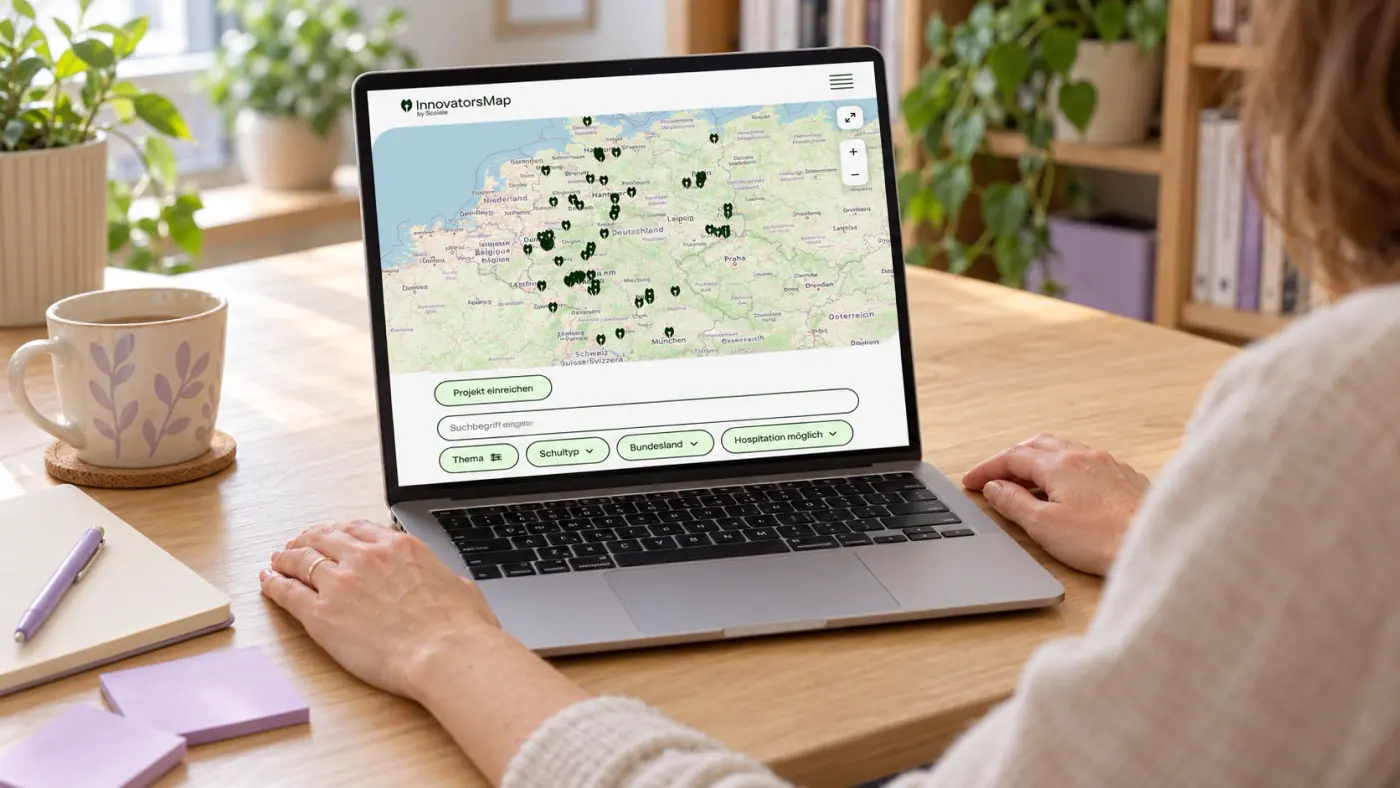
A closer look at Scolaia’s InnovatorsMap, school visits, and AI prompt generator.
Sina Schriewer2 min read

Violence Prevention in Schools: Acting Early
Violence prevention starts long before an incident occurs. Schools need clear responsibilities, reliable communication channels, and jointly owned protection concepts.
Sina Schriewer7 min read